Fortect vs CCleaner: Windows Repair Suite or Focused Cleanup?
Compare Fortect’s repair and security suite with CCleaner’s cleanup-oriented tools, including prices and limitations.
Editorial disclosure: This is an independent, source-based overview, not a hands-on laboratory test or a sponsored endorsement. If the publisher adds paid placements or affiliate links, that relationship must be disclosed here before publication. Prices are snapshots in USD and may change.
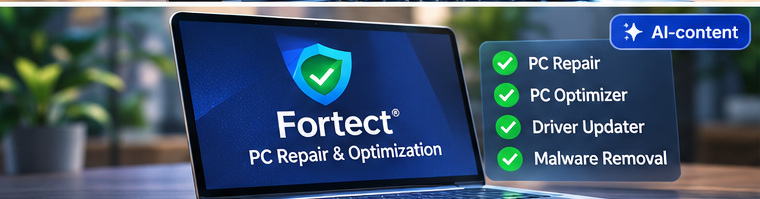
Fortect and CCleaner overlap on cleanup but are not identical products. Fortect positions its PC Suite around Windows stability, malware protection, driver updates and maintenance; CCleaner emphasizes cleaning and privacy upkeep, with driver updates in certain packages.
Pricing and subscription details
Fortect advertises a $33.95 first-year Essential plan for one PC, renewing at $69.95 according to its support page. CCleaner currently lists a $44.95 Pro with Driver Updater package. Check exact device counts, term and renewal.
Side-by-side features
| Category | Fortect | CCleaner |
|---|---|---|
| Primary focus | Windows repair, security, maintenance | System cleanup, privacy and optional driver updates |
| Malware protection | Premium suite advertises real-time malware protection | Not a substitute for dedicated antivirus |
| Driver tools | Multiple-driver installation in Premium | Available in designated Driver Updater plans |
| Pricing reference | $33.95 initial annual / $69.95 renewal (1 PC) | Pro with Driver Updater listed at $44.95; confirm renewal |
Choose based on the actual problem
If Windows stability and a bundle of protection features are priorities, Fortect has the broader advertised scope. If the task is routine browser-cache and disk cleanup, CCleaner or Windows built-ins may suffice.
Do not overstate repair results
Neither product can guarantee that it will fix hardware faults or restore performance on every slow PC. Diagnostics and current backups matter.
Our verdict
This is a feature comparison, not an independently benchmarked performance ranking. Start with Microsoft tools, then compare specific paid editions and terms.
Explore the wider catalogue and compare software based on your needs.
All software reviews →Related guides
- <